Flux Input: Rethinking Browser Navigation
The URL bar hasn’t changed much since Netscape. Type a URL, press Enter, go somewhere. It works fine for github.com. It works okay for search queries. But when I want to find “that article I read yesterday about SQLite,” my browser offers nothing useful. I end up scrolling through history or, more often, just Googling it again.
This bothered me enough to try building something different.
How I Actually Browse
I realized I don’t remember URLs. I remember context.
“The Hacker News discussion about SQLite.” “That TypeScript article from last week.” “The GitHub repo with the cool animation library.”
My browser has all this information—it’s in my history. But there’s no way to access it through natural language. I have to translate my fuzzy human memory into the browser’s precise syntax.
I started wondering: what if the input field could do that translation instead?
The Idea
I didn’t want a chatbox on the home page. Too many browsers are adding AI as a sidebar or a floating assistant—something you talk to. That never felt right to me. I wanted something that felt native, keyboard-driven, where I stay in control.
So I built Flux inside Drift, the command palette. Press ⌘K, type what you want, things happen. It’s closer to Spotlight or VS Code’s command palette than to a chatbot. The command center feel matters to me—everything accessible, nothing hidden behind conversation.
Navigation intent exists on a spectrum:
Precise                                              Fuzzy
   |                                                    |
   URL -----> Site -----> History -----> Natural Language
   |          |           |              |
github.com   github    "that PR"    "AI news from last week"
Browsers handle the left side. The right side gets dumped into Google, which searches the public web—not my browsing history where the answer actually lives.
I wanted to handle the whole spectrum. Right now Flux only has /goto, but the system is built to be extensible. /search could scope queries to visited sites. /ask could answer questions about the current page. The context layer—opened tabs, browsing history, eventually other personal data—is designed to grow.
The syntax follows a simple pattern: verb + noun. /goto hacker news. /search @last-week typescript. Commands tell the system what to do; context tokens tell it where to look. This directive style feels more powerful than natural conversation, and it opens up interesting possibilities as more commands and context types get added.
What I Built
Flux resolves input through layers, from simple to complex:
Direct URLs work as expected. github.com navigates. No magic needed.
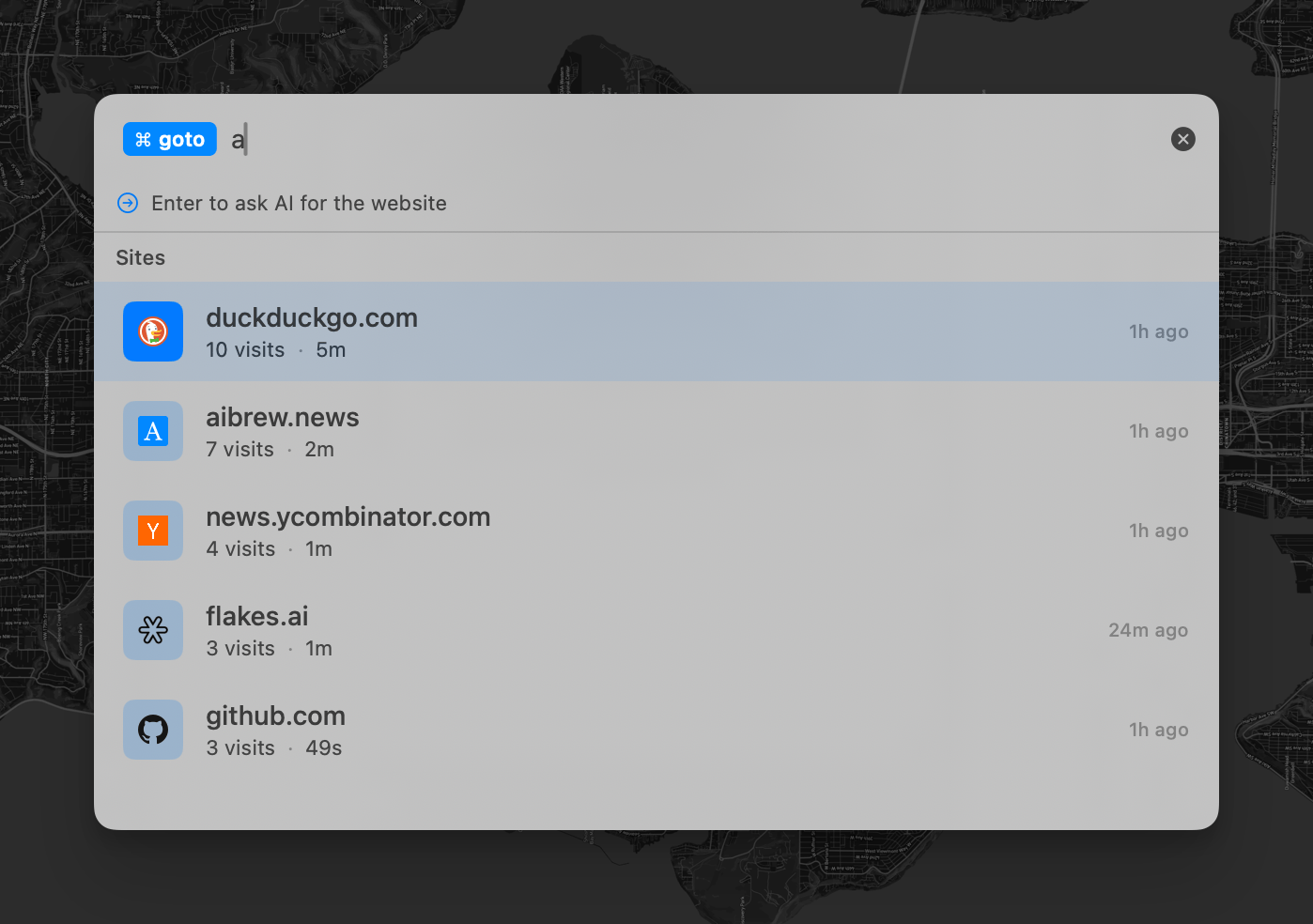
Command tokens are where it gets interesting. I added visual chips—like /goto—that modify how the input gets interpreted. Typing /goto react docs tells the system “this is navigation intent, not a search query.” The tokens are just NSTextAttachment objects, but they give users a way to be explicit about what they want.
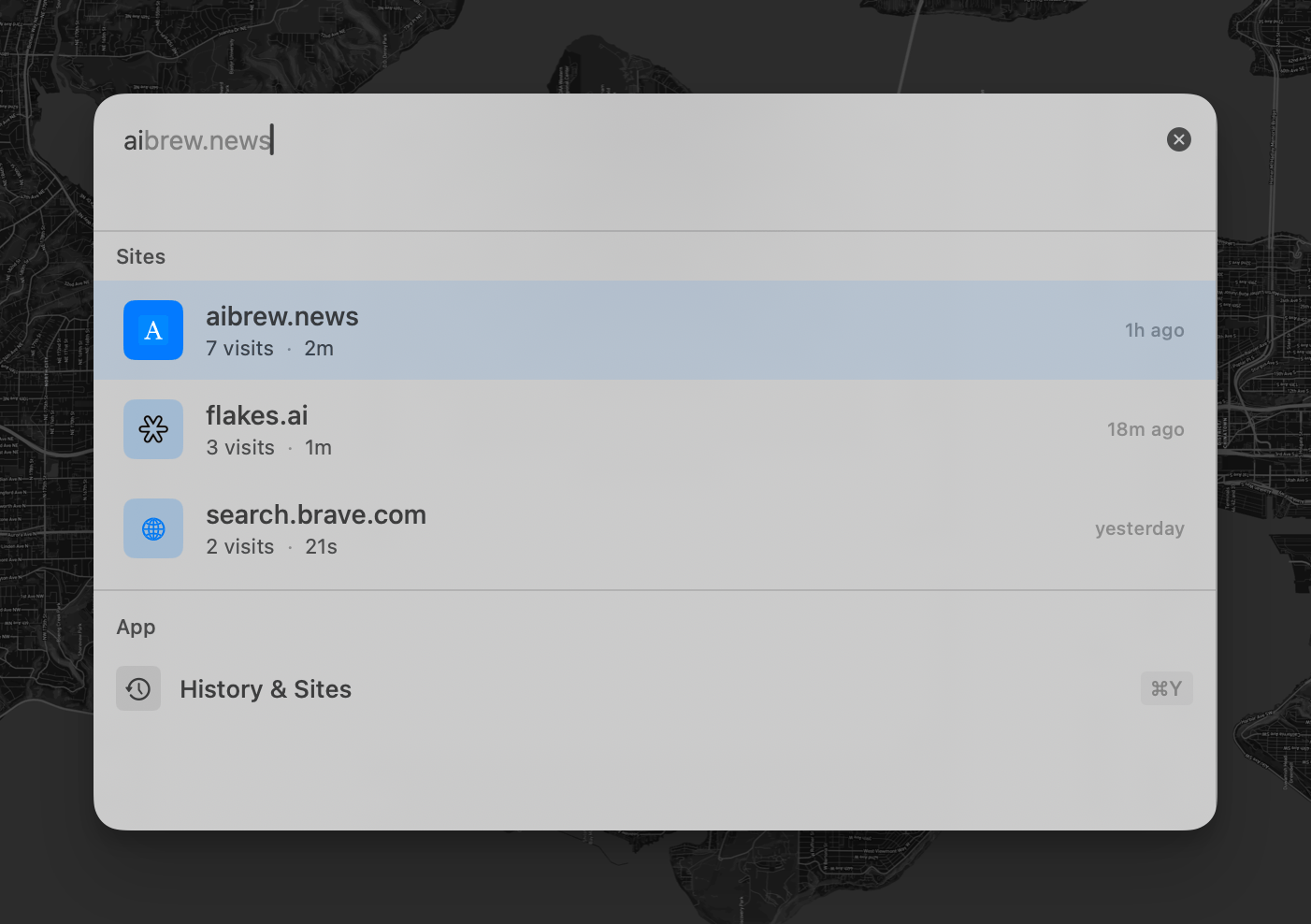
The @ trigger pulls up sites from my history. Type @ and a little palette appears with frequently visited domains. It’s a bridge between “I know the URL” and “I remember going somewhere.”
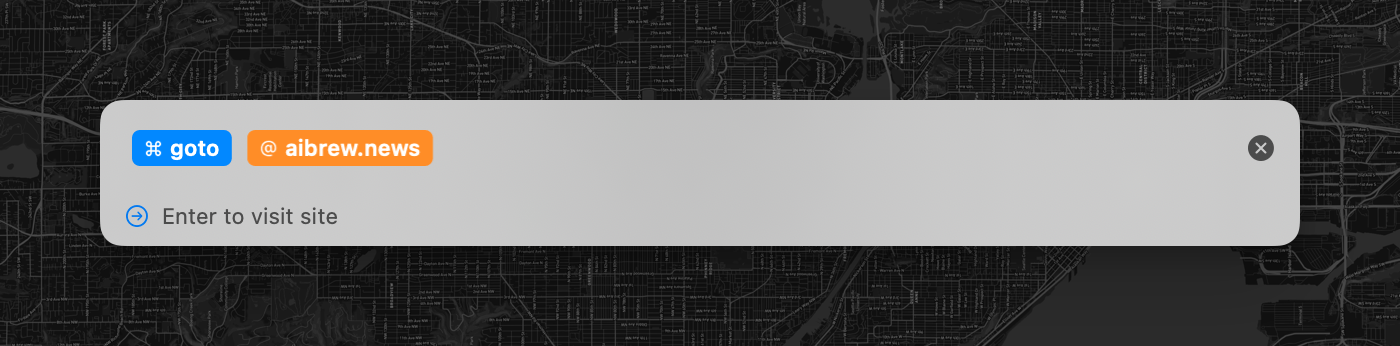
Ghost text suggests completions as I type. ai shows brew.news in gray. Enter accepts it. This came from watching myself type the same URLs over and over.
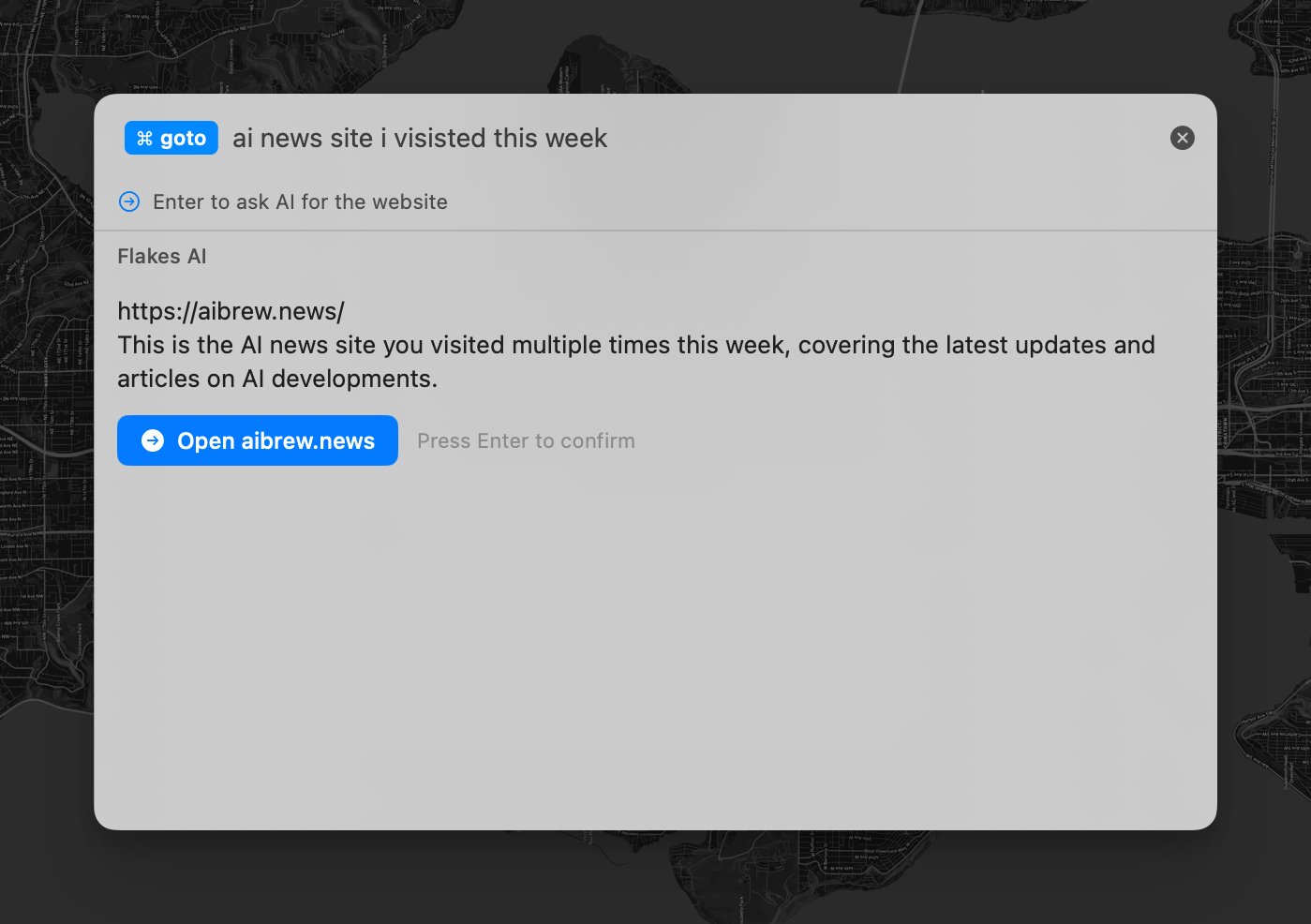
AI with history context handles the fuzzy stuff. When nothing else matches, the query goes to an LLM along with my recent browsing history:
Recent browsing history:
- AI news and updates | aibrew.news (visited multiple times this week)
- TypeScript 5.0 | devblogs.microsoft.com/... (visited 3 days ago)
...

User is looking for: ai news site i visited this week
The AI searches my history, not the public web. It can match “ai news site i visited this week” to aibrew.news—a site I’ve visited multiple times recently.
The Messy Parts
I won’t pretend this was clean to implement.
Tokens were tricky. They need to look like chips but behave like text—selectable, deletable, navigable with arrow keys. I ended up with custom NSTextAttachmentCell subclasses and more layout code than I’d like.
Ghost text required tracking cursor position carefully. The cursor shouldn’t land inside ghost text, and any keystroke should clear it. I kept finding edge cases—what happens on select-all delete? What if you paste? Each fix revealed another assumption.
The floating palette uses a borderless NSPanel that doesn’t steal focus. Getting this to feel right took more iteration than I expected. Keyboard navigation, mouse clicks, dismissal behavior—small details, but they add up.
There was also a fun crash that took a while to track down. The palette coordinator was marked @MainActor, which caused Swift’s concurrency runtime to do something strange during deallocation. Tests would pass in isolation but crash when run together. I eventually removed the actor annotation and cleaned up the closures manually. I’m not any expert in Swift concurrency, so that one taught me a lot.
Tradeoffs I’m Still Thinking About
The token system adds complexity. Users need to learn that /goto means something, that @ triggers a menu. I’m not sure this is the right interface for everyone. For keyboard-heavy users who navigate constantly, maybe. For casual browsing, probably overkill.
The AI layer is slow. There’s a noticeable pause while it thinks. I added a confirmation step before navigating—partly for safety, partly to mask the latency. Direct navigation would feel snappier. The confirmation feels more trustworthy. I’m still not sure which matters more.
Sending browsing history to an LLM raises obvious questions. The data goes to whatever provider the user configures, but it’s still leaving the machine. I made AI features optional and the system falls back to regular search without them. Still, it’s a real tradeoff.
What I Learned
The URL bar solves a specific problem: going somewhere when you know the address. That was the right design for 1995. It’s less right now, when half my navigation is trying to get back to something I’ve already seen.
Flux is my attempt to build something that works the way I actually think about the web. It’s not finished, and I keep finding things that don’t quite work. But the core idea—treating browsing history as a resource the interface can draw on—feels worth pursuing.
If you want to try it, Flakes is in early access. I’d love to hear what breaks.